Courroie en Z supprimée et remplacée par 2 moteurs et tige filetée
31 décembre 2016
20 décembre 2016
Tarantula++ obo
So here is my new printer, largely inspired from the basic principles of Tarantula and also Prusa.
In fact I redesigned/redraw almost all printed parts. Only I reused the Bed from Tarantula, it works so well :)
Main changes are :
In fact I redesigned/redraw almost all printed parts. Only I reused the Bed from Tarantula, it works so well :)
Main changes are :
- 40x20 frame everywhere
- printed bracket corner very rigid and making alignment easier
- Rails for each axes (MGN12 from Hiwin)
- Motors 400 Steps/turn
- Dual extruder, dual hotend
- Horizontal Y belt with only two pulleys
- Z dual motors with leadscrew
- Electronic 32 bits MKS SBASE
It's also on facebook https://www.facebook.com/groups/TEVO.3dprinter.owners/1242687839158521/
and on thingiverse: http://www.thingiverse.com/thing:1983256
Tarantula++ obo
17 décembre 2016
17 novembre 2016
Tarantula++
Bien avancé ma nouvelle imprimante 3d inspirée de la fameuse Tarantula. L objectif est double tête et haute précision (moteur 0.9degres/pas) électronique 32 bits . La courroie du Z à finalement été remplacée par de 2 moteurs et des tigestes filetées.
03 juin 2016
Raspberry lcd
To configure this LCD on raspberry:
http://www.raspberrypiwiki.com/index.php/3.5_inch_TFT_LCD_Touch_Screen_SKU:363295
Start from a Raspbian jessie
Edit /boot/config.txt and add:
start_x=1
gpu_mem=128
core_freq=250
sdram_freq=400
over_voltage=0
dtparam=spi=on
dtoverlay=waveshare35a
dtoverlay=ads7846,cs=1,penirq=17,penirq_pull=2,speed=1000000,keep_vref_on=1,swapxy=1,pmax=255,xohms=60,xmin=200,xmax=3900,ymin=200,
dtparam=i2c_arm=on
dtoverlay=w1-gpio-pullup,gpiopin=4,extpullup=1
copy waveshare35a-overlay.dtb to /boot/overlays/waveshare35a.dtbo
voir https://github.com/swkim01/waveshare-dtoverlays/blob/master/waveshare35a-overlay.dtb
get the package xinput-calibrator:
wget http://www.raspberrypiwiki.com/download/images/xinput-calibrator.deb
sudo DISPLAY=:0.0 xinput_calibrator
copy the result conf lines to: /usr/share/X11/xorg.conf.d/01-input.conf
add to 01-input.conf before end of section:
Option "InvertX" "true"
Option "InvertY" "true"
run raspi-config and set boot option to "Desktop Autologin"
cat /usr/share/X11/xorg.conf.d/>> 99-fbturbo.conf
# This is a minimal sample config file, which can be copied to
# /etc/X11/xorg.conf in order to make the Xorg server pick up
# and load xf86-video-fbturbo driver installed in the system.
#
# When troubleshooting, check /var/log/Xorg.0.log for the debugging
# output and error messages.
#
# Run "man fbturbo" to get additional information about the extra
# configuration options for tuning the driver.
Section "Device"
Identifier "Allwinner A10/A13 FBDEV"
Driver "fbturbo"
Option "fbdev" "/dev/fb1"
Option "SwapbuffersWait" "true"
EndSection
http://www.raspberrypiwiki.com/index.php/3.5_inch_TFT_LCD_Touch_Screen_SKU:363295
Start from a Raspbian jessie
Edit /boot/config.txt and add:
start_x=1
gpu_mem=128
core_freq=250
sdram_freq=400
over_voltage=0
dtparam=spi=on
dtoverlay=waveshare35a
dtoverlay=ads7846,cs=1,penirq=17,penirq_pull=2,speed=1000000,keep_vref_on=1,swapxy=1,pmax=255,xohms=60,xmin=200,xmax=3900,ymin=200,
dtparam=i2c_arm=on
dtoverlay=w1-gpio-pullup,gpiopin=4,extpullup=1
voir https://github.com/swkim01/waveshare-dtoverlays/blob/master/waveshare35a-overlay.dtb
get the package xinput-calibrator:
wget http://www.raspberrypiwiki.com/download/images/xinput-calibrator.deb
sudo DISPLAY=:0.0 xinput_calibrator
copy the result conf lines to: /usr/share/X11/xorg.conf.d/01-input.conf
add to 01-input.conf before end of section:
Option "InvertX" "true"
Option "InvertY" "true"
cat /usr/share/X11/xorg.conf.d/>> 99-fbturbo.conf
# This is a minimal sample config file, which can be copied to
# /etc/X11/xorg.conf in order to make the Xorg server pick up
# and load xf86-video-fbturbo driver installed in the system.
#
# When troubleshooting, check /var/log/Xorg.0.log for the debugging
# output and error messages.
#
# Run "man fbturbo" to get additional information about the extra
# configuration options for tuning the driver.
Section "Device"
Identifier "Allwinner A10/A13 FBDEV"
Driver "fbturbo"
Option "fbdev" "/dev/fb1"
Option "SwapbuffersWait" "true"
EndSection
28 avril 2016
Continuing the search for good print
There is a good test on thingiverse for that : http://www.thingiverse.com/thing:277394
Most samples are printer at 70mm/sec minimum
To summarize all changes I did:
- marlin parameters tuning, especially "Accelerations" and "Jerk"
- bed and Heater temperature
- filament flow extrusion rate (80-120%)
- extrusion speed, retract speed
- infill 0 or 25%
- infill overlap
- perimeter after infill
- two types of motor controller (DRV8825, A4988)
- 2, 8, 16 or 32 bits motor substepping
- install the print on dampers to avoid vibration resonnance from the table
- belt tensioning
- install motors on antivibration support
- print on various places on the bed
- reinstall bowden vertically inside a cable chain
- add some grease to Z axis
- check all screws
- reinforce bed structure
- check and reduce extruder filament compression
and finally:
- replace sliders with bronze bearing tube by new slider with linear bearing LM8LUU
- replace Z axis leadscrew TR8x8 by TR8x2
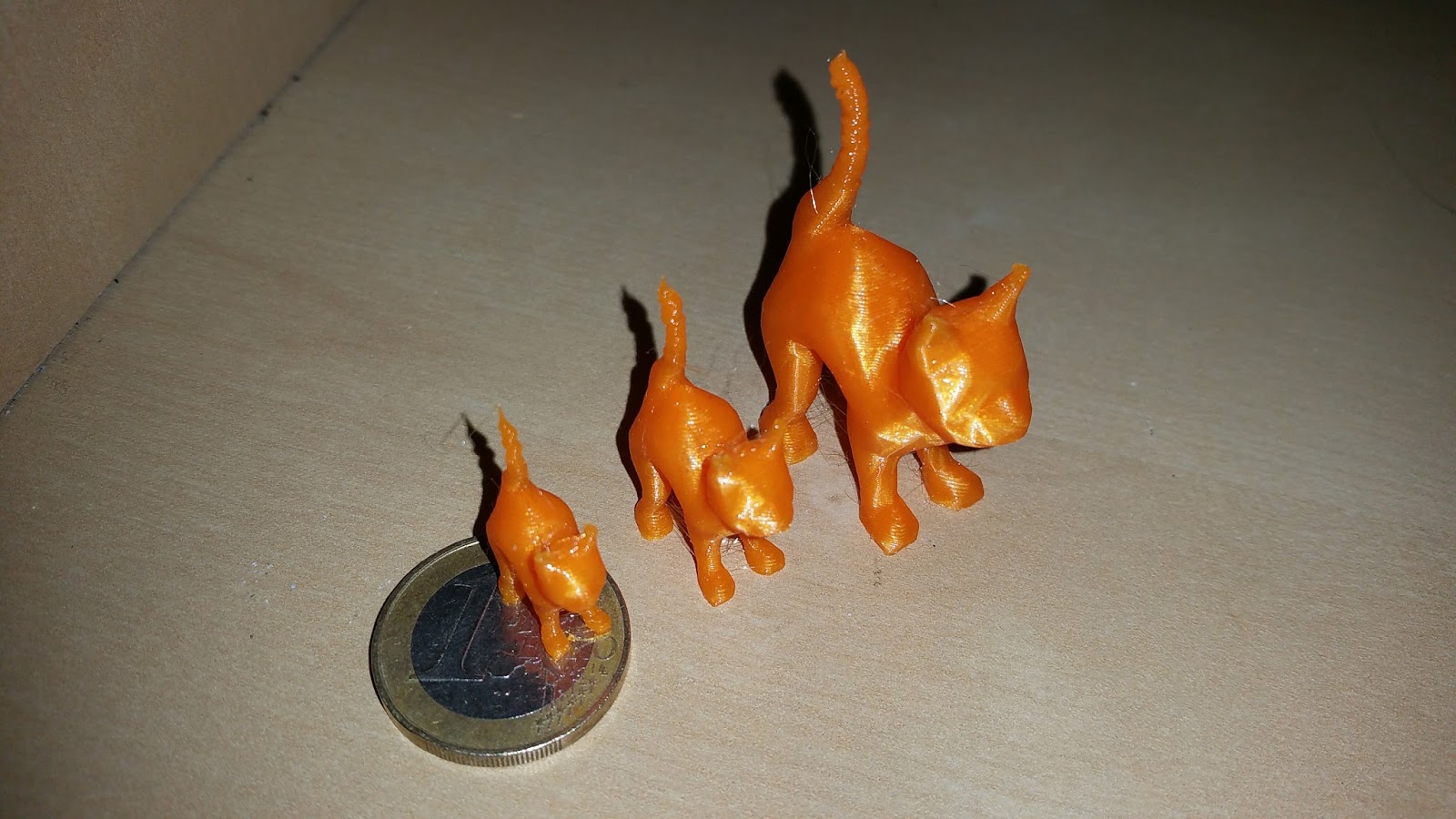
See pictures below, the black one has been printer with a small compact printer (minifabrikator)
Inscription à :
Articles (Atom)